Your brand needs product photos, a character or short videos that look the same every time, and stock AI tools keep drifting. Baydot fixes that by training a model on your own images (a LoRA), wiring it into ComfyUI or an API your team can call, and running it on GPUs you can afford. Everything on this page comes from a working product we built, FaceSearch, and its GPU engines.
Virtual try-on in action
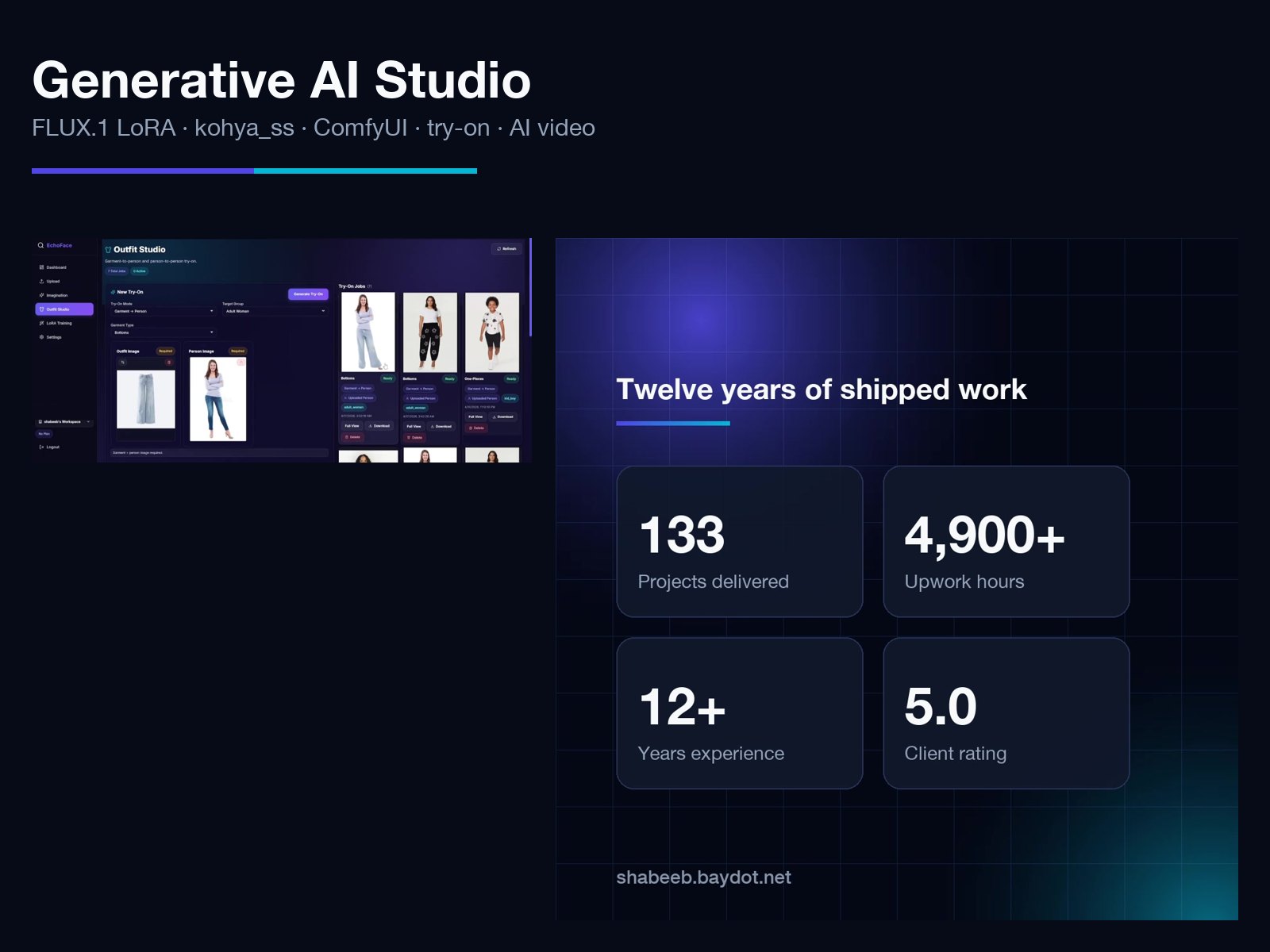
Screen recordings of Outfit Studio: pick a garment photo and a person photo, the job goes through the queue to the try-on engine, and the finished image opens full size. Sped up 2x; the waiting time is real GPU inference.
A promo video, ready for social
Made with the video engine on this page: a 30-second square (1:1) promo for our founder's studio: a hook, who is behind it, the numbers, and recent work as animated cards. The same approach turns any brand's copy and screenshots into feed-ready videos in 1:1, 9:16 or 16:9.
What we train and run
| Tool | What we use it for | Status |
|---|---|---|
| Ostris AI Toolkit | LoRA training on FLUX.1 (dev config for 24 GB, quantised, low-VRAM mode), wrapped in a FastAPI engine with a job queue | Trained FLUX.1 LoRAs |
| kohya_ss (sd-scripts) | LoRA training on SD 1.5 and SDXL (Realistic Vision 5.1 and others), Colab and Kaggle notebooks, CLIP captions | Verified on Kaggle T4 |
| ComfyUI | Graphs with LoRA + IP-Adapter FaceID Plus V2 + OpenPose ControlNet; workflows run as durable API jobs from Go | Built and tested |
| Ostris AI Toolkit on A100 | LoRA training on FLUX.2 klein 4B (Apache-2.0, safe to sell with) in bf16 on a Colab or rented A100; one training module shared by the API and the notebook | Trained on A100 |
| Wan 2.1 T2V | Text-to-video clips for marketing and B-roll | Verified on Kaggle T4 |
| Kokoro TTS | Voice-overs in 5 voices (US and UK, male and female) for presenters and marketing videos | Verified on Kaggle T4 |
| LatentSync 1.5 | Lip sync for talking-head videos from a script and a consented presenter | Verified on Kaggle T4 |
| Marketing pipeline | Case study in, storyboard, voice-over, captioned video in 1:1, 9:16 and 16:9, plus LinkedIn and Facebook post text | Used for Baydot's own promos |
| FLUX.2 klein 4B, Qwen-Image-Edit | Image editing and generated models for virtual try-on, chosen for commercial licences | Wired in |
AI Toolkit also trains LoRAs for FLUX.1 Kontext, SD 3.5, Wan 2.1/2.2 video, Qwen-Image, HiDream, Lumina 2 and Chroma. If your project needs one of those, we set it up on the same pipeline.
Where each job runs
| GPU | Jobs | Why |
|---|---|---|
| A100 (Colab or rented) | FLUX LoRA training with AI Toolkit | FLUX needs about 24 GB and native bf16 |
| T4, 16 GB (Kaggle, free tier) | SD 1.5 and SDXL LoRA training with kohya_ss, Wan 2.1 video, voice and lip sync, virtual try-on tests | Cheap enough to test every engine end to end |
| Any CUDA host | The same FastAPI engines in Docker, each behind its own token | Move to a bigger GPU without changing the app |
Voice and marketing video
The promo above was made with this video engine. Its marketing module reads a case-study page, cuts it into short beats using only sentences from the page, voices each beat with Kokoro, cuts every shot to the length of its own audio so words and picture stay in sync, burns in captions because feeds play muted, and renders 1:1, 9:16 and 16:9 versions. It also writes the LinkedIn and Facebook post and hashtags. Posting stays manual, so a person approves every word.
10 problems this solves
Product photos without a photo shoot
Problem: every new product or season needs a new shoot.
What we build: a LoRA trained on 15 to 30 product photos (FLUX.1 or SDXL), then a ComfyUI graph that puts the product in any scene, light or angle.
Built on: the FaceSearch LoRA pipeline.
The same brand character in every campaign
Problem: AI images change the mascot or model's face on every image.
What we build: a character LoRA plus IP-Adapter FaceID and an OpenPose ControlNet, so identity and pose are both controlled.
Built on: ComfyUI consistent-face workflows.
AI headshots and avatars inside your app
Problem: users want professional photos of themselves without a photographer.
What we build: upload a few selfies, a personal LoRA trains in the background, and the user gets styled headshots. Training jobs are queued and tracked.
Built on: FaceSearch.
Virtual try-on for a fashion store
Problem: shoppers can't see how a garment looks on a person, and returns cost money.
What we build: garment photo + person photo in, try-on image out, with a provider router that falls back when one model fails.
Built on: FaceSearch Outfit Studio (demos on the case study).
Short marketing clips from a text prompt
Problem: social media needs fresh B-roll every week, and stock footage looks like stock.
What we build: a text-to-video engine (Wan 2.1) behind an API, prompts saved as templates, clips queued and stored.
Built on: the video engine above, verified on a T4.
A spokesperson video from a script
Problem: recording a founder or presenter for every update is slow.
What we build: type the script, pick a voice, get a lip-synced talking-head video. Only faces with recorded consent are accepted.
Built on: the talking-head engine above.
Blog posts and case studies turned into videos
Problem: good written content never reaches video platforms.
What we build: a pipeline that cuts a page into short beats, voices them, adds the page's images and renders a captioned video in 9:16, 1:1 or 16:9 plus post text. It only reuses sentences from the page, so it never makes claims you didn't approve.
Built on: the marketing module of the same video engine.
A ComfyUI workflow your app can call
Problem: the designer's ComfyUI graph works on one PC and nowhere else.
What we build: the graph becomes an API with a job queue, retries and stored results, so your web or mobile app can use it.
Built on: genflow, durable ComfyUI jobs in Go.
GPU costs that don't eat the margin
Problem: a GPU server running all month for a few jobs a day.
What we build: engines that run on rented GPUs, Colab or Kaggle only when there is work, each behind its own token, with training and generation queued.
Built on: the FaceSearch GPU engines, tested end to end on Kaggle.
Models you can legally sell with
Problem: many open models are free to try but not licensed for commercial use.
What we build: a licence check of every model and every hidden dependency before launch. In FaceSearch this found a non-commercial human-parser inside a "free" try-on model, so paying traffic goes to licensed providers.
Built on: the FaceSearch licence review.
How a project runs
- You send 10 to 30 sample images and the shots or clips you need.
- we pick the model and check its licence, and tell you the GPU cost per image or clip.
- First LoRA and test outputs in a few days, so you judge real results before the full build.
- Delivery: a ComfyUI graph, an API, or a page inside your app, with a short guide for your team.
Want the same for your brand?
Send 10 sample images and the shots or clips you need. Baydot replies with the model, its licence, the GPU cost per image and a first test.
Book a Free Call